

Now Reading: MacBook Neo vs Your Old MacBook Air: Apple’s $599 Machine Makes the Previous Generation Look Expensive
-
01
MacBook Neo vs Your Old MacBook Air: Apple’s $599 Machine Makes the Previous Generation Look Expensive
MacBook Neo vs Your Old MacBook Air: Apple’s $599 Machine Makes the Previous Generation Look Expensive

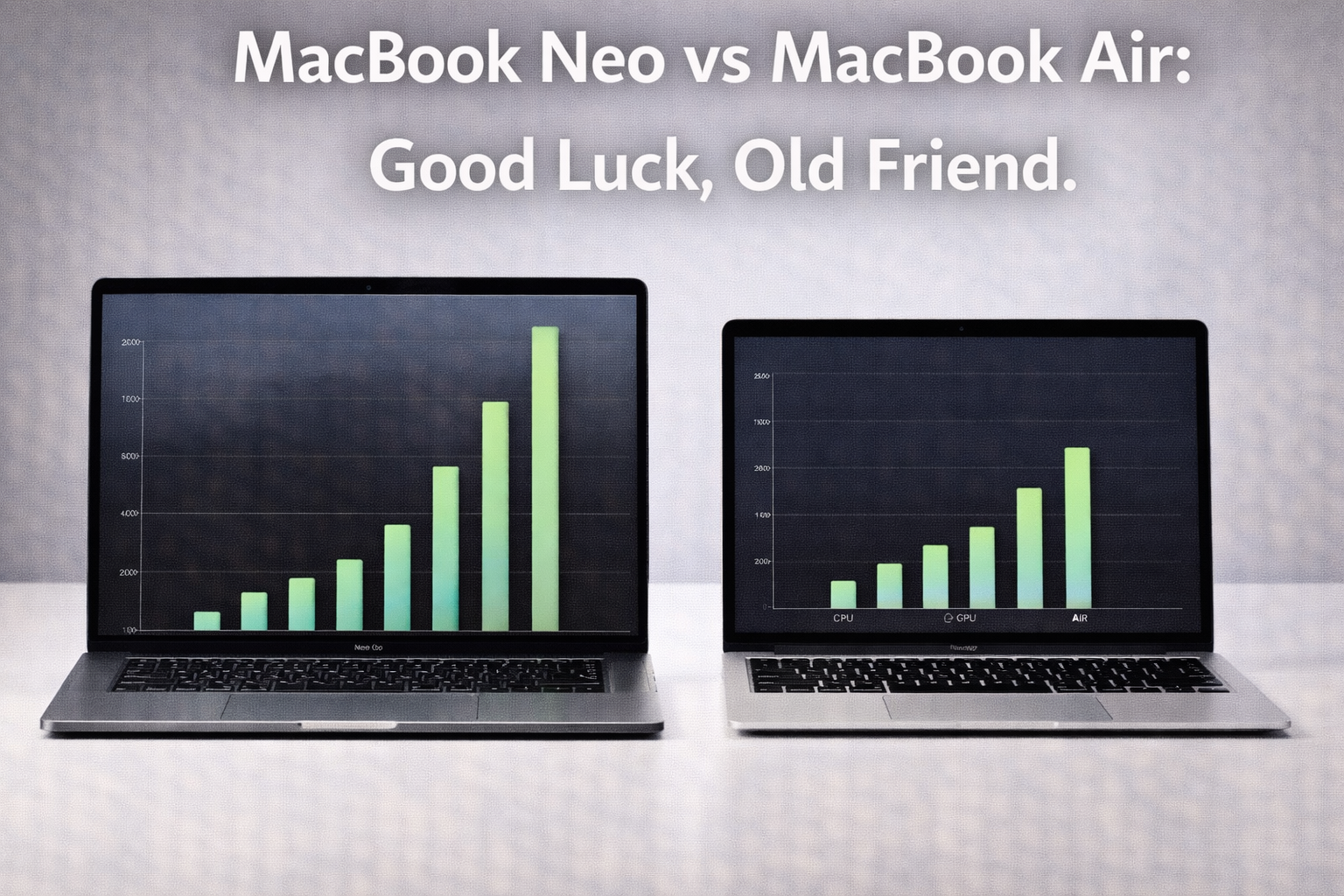
Apple’s pricing strategy for the MacBook Neo is aggressive in a way that creates an unusual problem for a subset of Mac users. If you own a MacBook Air from the Intel or M1 generation, the Neo’s performance, battery, and capability specifications make upgrading a straightforward decision. The more interesting question is what to do if you own an M2 or M3 Air that is still performing well and was purchased at a price premium over the Neo.
Thank you for reading this post, don't forget to subscribe!This is not the first time Apple has introduced a product that created awkward comparisons for recent purchasers of more expensive alternatives. The Mac Mini’s price-performance relationship has done this repeatedly. The difference with the Neo is the explicitness of the comparison: the $599 price point directly challenges the Mac’s traditional premium positioning in a way that no previous entry-level Mac has.
The Performance Reality
Neo vs. MacBook Air Intel (2019-2020)
Against the Intel MacBook Airs, the Neo comparison is not close. The shift from Intel’s x86 architecture to Apple Silicon fundamentally changes the performance, efficiency, and capability profile of Mac laptops. Single-core CPU performance is two to three times faster. Multi-core performance is proportionally more dramatic on workloads where the Intel Air’s thermal constraints caused sustained throttling that the fanless Apple Silicon architecture avoids.
Battery life is the most visceral difference. An Intel MacBook Air in real-world use delivered four to six hours of productivity-focused work. The Neo delivers twelve or more hours on the same class of tasks. For users still on Intel Airs, the Neo is not an incremental upgrade. It is a different product category in the same chassis form factor.
Neo vs. MacBook Air M1
The M1 Air was a generational leap when it launched. Against the Neo, the M1 shows its age on the neural engine performance that Apple Intelligence features rely on. M1’s neural engine was the first generation of Apple’s Neural Processing Unit in a Mac, and its performance on the on-device AI tasks that macOS Sequoia uses for writing assistance, image processing, and system-level AI features is meaningfully below what the Neo delivers.
For users whose primary workflows do not involve Apple Intelligence features, the M1 Air remains a capable machine for everyday productivity. For users who want the full Apple Intelligence experience or who run AI-accelerated creative tools, the neural engine improvement in the Neo is the most relevant performance delta.
The Apple Intelligence Threshold: Apple Intelligence features require a device with a Neural Engine capable of running the on-device models that power them. M1 chips can run basic Apple Intelligence features. The Neo’s newer Neural Engine runs them faster and handles more demanding AI tasks locally without server offloading. For users who care about AI feature performance, the neural engine generation gap matters.
Neo vs. MacBook Air M2 and M3
This is the comparison that is most relevant for recent Air purchasers and most uncomfortable for those who paid $1,099 or more for an M2 or M3 Air. The Neo’s processor is derived from iPhone chip architecture rather than the Mac-specific M series, which creates a genuine performance gap on sustained CPU and GPU workloads.
For everyday productivity tasks including web browsing, document editing, video calls, and light photo editing, the performance difference between the Neo and an M2 or M3 Air is small enough to be imperceptible in daily use. For sustained video encoding, large RAW photo processing, music production with many software instruments, and software compilation, the M2 and M3 Airs are meaningfully faster.
Display Comparison
The Neo’s display is a clean, capable panel without the Liquid Retina XDR designation of the higher-end MacBook Airs and Pros. Color accuracy is good, brightness is adequate for office environments, and resolution is sufficient for Retina-quality text rendering at typical use distances. It is not the display benchmark that the Pro line’s Liquid Retina XDR sets.
Against older Intel Airs, the Neo’s display is superior. Against M2 and M3 Airs, the older models have a slight peak brightness advantage. The practical difference in typical office and home environments is minimal.
Who Should Upgrade to the Neo
- Intel MacBook Air users: Upgrade immediately. The performance, battery, and AI capability gap makes this an obvious decision.
- M1 Air users who want full Apple Intelligence features: The Neo’s neural engine improvement justifies the upgrade for AI-centric workflows.
- M1 Air users with functional machines: Consider waiting for the next update cycle unless specific AI or performance requirements push you to upgrade now.
- M2 Air users: Do not upgrade to the Neo. You have a more capable machine for sustained workloads. Wait for the M5 generation.
- M3 Air users: The Neo is a step backward in performance for your money. The M3 Air remains the better machine. Do not upgrade.
Bottom Line: The MacBook Neo at $599 is genuinely impressive and represents the best value Apple has ever offered at a Mac laptop entry price. The comparison with older Intel and M1 Airs strongly favors the Neo. The comparison with M2 and M3 Airs reveals that the Neo trades raw CPU and GPU performance for a dramatically lower price point. Know which category you are in before you upgrade.
Related: MacBook Air M4 Best Price Deal | MacBook Neo $599 Full Review | Best MacBook to Buy in 2025
Related Posts


Stay Informed With the Latest & Most Important News


Top News
- Google’s AI-Powered Workspace in Search Is Now Available to All US Users: Here Is What Actually Changed

- How Jeffrey Epstein Used Silicon Valley’s Network: What the Reporting on Reid Hoffman and Tech’s Elite Reveals

- Where to Preorder the iPhone 17E Right Now: Every Deal Ranked Before the March 11 Launch

- Google Apps Experience and Games Level Up: The Programs That Could Cut Your Play Store Commission Significantly

- Google Is Not Waiting for a Settlement: It Just Killed the 30 Percent App Store Fee Unilaterally














Advertisement