

Now Reading: How Claude Code Actually Works: A Developer’s Guide to Anthropic’s Terminal-Based AI Coding Tool
-
01
How Claude Code Actually Works: A Developer’s Guide to Anthropic’s Terminal-Based AI Coding Tool
How Claude Code Actually Works: A Developer’s Guide to Anthropic’s Terminal-Based AI Coding Tool

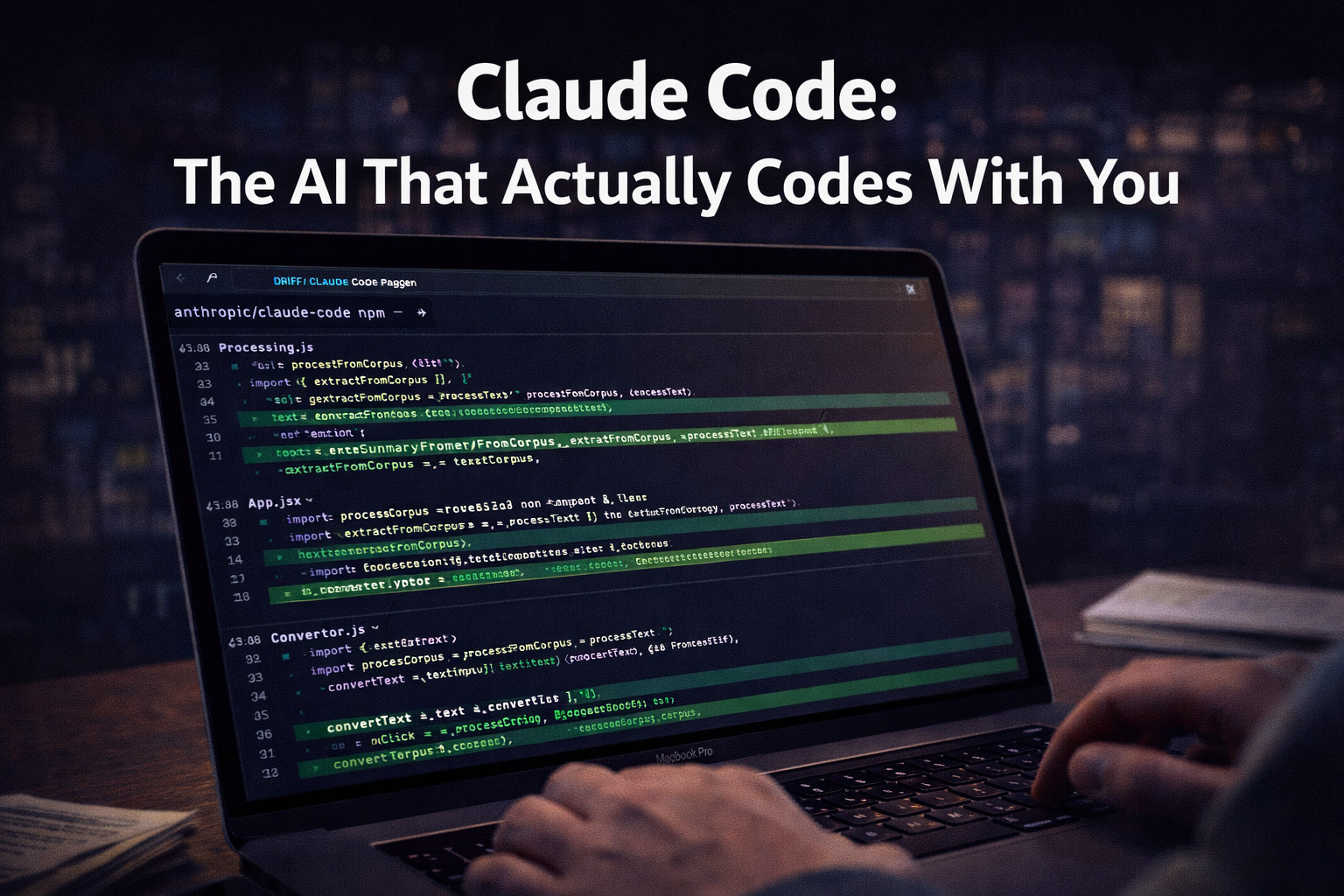
The AI coding assistant market has been dominated by editor-integrated tools: Cursor, GitHub Copilot, and similar products that work as extensions within VS Code, JetBrains IDEs, and similar environments. Anthropic’s Claude Code takes a fundamentally different approach: it operates as a terminal-based agentic tool that works directly in your development environment, has access to your full codebase, and can execute commands, run tests, and commit changes on your behalf.
Thank you for reading this post, don't forget to subscribe!The architectural difference between Claude Code and editor-integrated AI coding tools has real implications for what the tool can and cannot do, and for which developers will find it most valuable. Here is a comprehensive look at how Claude Code works, where it excels, and how it compares to the alternatives.
The Architecture: Why Terminal-Based Matters
Claude Code is installed as a command-line tool (npm install -g @anthropic-ai/claude-code) and runs in your terminal alongside your existing development workflow. This architecture gives it capabilities that editor plugins cannot easily replicate: it can directly read, write, and modify files in your project without the sandboxing constraints that browser-based or editor-extension architectures impose.
More significantly, Claude Code can execute terminal commands: running your test suite, building your application, checking git status, installing dependencies, and reading error output. This execution capability creates a feedback loop where Claude Code can make a change, run the tests, observe the results, and iterate without requiring you to manually execute each step.
The Agentic Workflow
The term ‘agentic’ describes Claude Code’s mode of operation: rather than responding to single prompts in isolation, it can pursue multi-step goals autonomously within the boundaries you define. Asking Claude Code to ‘add pagination to the user list endpoint’ initiates a workflow where it reads the relevant files, understands the existing data models and API patterns, writes the implementation, updates or creates tests, and reports what it did and what needs human review.
This agentic capability is both Claude Code’s most powerful feature and its most important risk factor. An AI that can write and execute code autonomously requires trust in both its technical accuracy and its ability to recognize when it should pause and ask rather than proceed. Claude Code’s design includes conservative defaults around destructive operations and explicit user approval requirements for actions with significant consequences.
The CLAUDE.md Context File: Claude Code uses a special file called CLAUDE.md in your project root as persistent context. You can document your project’s architecture, coding conventions, testing requirements, and any specific instructions for how Claude should behave in your codebase. This file persists across sessions and significantly improves the quality of Claude Code’s suggestions by giving it the project-specific context that generic AI tools lack.
What Claude Code Can Do
Codebase Understanding
Claude Code reads and indexes your entire codebase at the start of a session, building a comprehensive understanding of your project’s structure, dependencies, naming conventions, and architectural patterns. This full-codebase context is what allows it to make changes that fit your specific project rather than producing generic code that requires significant adaptation.
For large codebases, this indexing step takes longer but produces correspondingly better results. Claude Code’s ability to trace how a change in one part of the codebase affects other components, and to update multiple files consistently when making a cross-cutting change, is one of its most practically valuable capabilities.
Test-Driven Development Support
Claude Code’s ability to run your test suite is particularly valuable for test-driven development workflows. You can ask it to implement a feature that satisfies a set of failing tests, and it will iterate on the implementation until the tests pass. This loop, write tests, implement until green, is one where Claude Code’s automated execution capability produces genuine productivity gains over tools that require you to run tests manually between iterations.
Git Workflow Integration
Claude Code integrates with git, able to read your commit history for context, create descriptive commits for its changes, and operate on branches. The ability to say ‘create a branch for this feature, implement it, and open a draft PR’ and have Claude Code execute the full sequence is a meaningful workflow automation for teams that want AI assistance without departing from standard git workflows.
Claude Code vs. Cursor vs. GitHub Copilot
Claude Code: Terminal-based, agentic, full codebase access, command execution, strongest for multi-file changes and agentic workflows. Requires comfort with terminal-based tools. Best for experienced developers who want AI as a collaborative agent.
Cursor: Editor-integrated in a VS Code fork, excellent inline completion, chat interface, strong project context, no command execution capability. Best for developers who want AI integrated into a familiar editor experience without the agentic autonomy.
GitHub Copilot: Editor-integrated with broader IDE support including JetBrains. Best for inline completion and straightforward code generation. Weaker at multi-file changes and understanding large codebase context. Most accessible entry point for AI-assisted coding.
Who Should Use Claude Code
- Experienced developers comfortable with terminal-based workflows who want AI as a collaborative coding partner rather than an autocomplete tool
- Teams working on large codebases where multi-file context and consistent cross-cutting changes are frequent requirements
- Developers who practice test-driven development and want to automate the red-green-refactor loop
- Engineers building agentic AI applications who want to use the tool to understand how agentic workflows feel from a user perspective
The Cost and Access Model
Claude Code uses Anthropic’s API and charges based on token usage, which means costs scale with the size of your codebase and the complexity of the tasks you assign it. For small projects and occasional use, costs are minimal. For intensive daily use on large codebases, the token costs can be meaningful and are worth monitoring.
Anthropic offers Claude Code under both per-token API pricing and as part of Claude Pro and Max subscription plans, with the specific inclusion depending on current plan terms. The most current pricing and plan details are always at anthropic.com.
Bottom Line: Claude Code is the most powerful agentic AI coding tool available for developers who want an AI collaborator that can understand their full codebase, execute commands, and work autonomously on multi-step tasks. It requires more trust and comfort with agentic workflows than editor-integrated tools, but the productivity ceiling for complex coding tasks is higher. If you have not tried it, the CLAUDE.md setup and a single complex refactoring task will demonstrate its capabilities clearly.
Related: Raycast Glaze Vibe Coding Review | What Investors No Longer Want in AI SaaS | Google Gemini Canvas
Related Posts


Stay Informed With the Latest & Most Important News



Top News
- Google’s AI-Powered Workspace in Search Is Now Available to All US Users: Here Is What Actually Changed

- How Jeffrey Epstein Used Silicon Valley’s Network: What the Reporting on Reid Hoffman and Tech’s Elite Reveals

- Where to Preorder the iPhone 17E Right Now: Every Deal Ranked Before the March 11 Launch

- Google Apps Experience and Games Level Up: The Programs That Could Cut Your Play Store Commission Significantly

- Google Is Not Waiting for a Settlement: It Just Killed the 30 Percent App Store Fee Unilaterally














Advertisement